

User Management
Empower your team with Smart User Management that allows businesses to create, manage, and control user access in the POS system. With Smart User Management, assign roles and permissions to cashiers, managers, and accountants to ensure secure operations and seamless collaboration across departments.
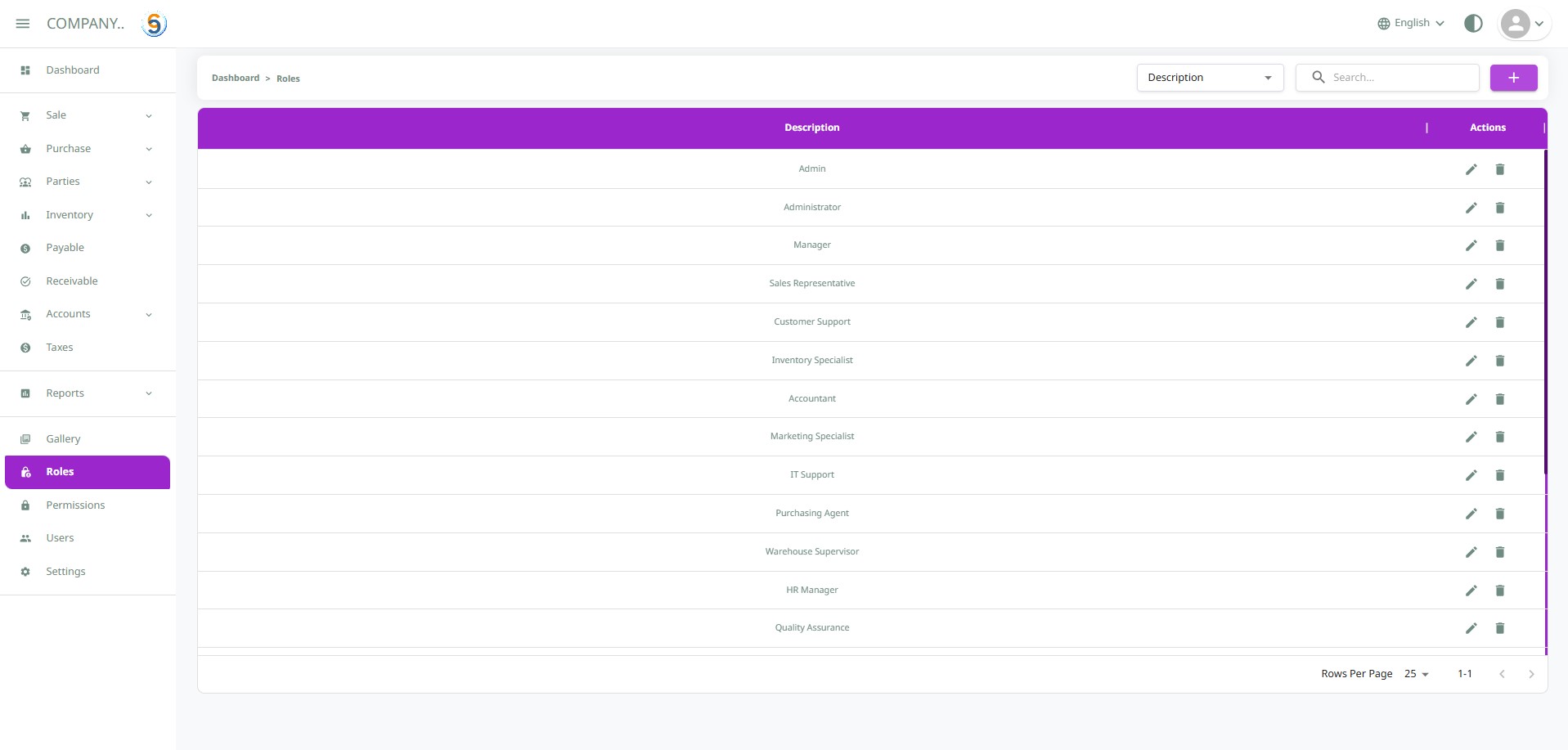
Assign and manage custom roles with defined permissions to ensure secure access, clear responsibilities, and smooth operations across all users in the POS system:
Custom Role Creation
Create tailored roles like Manager, Cashier, or Inventory Lead to match your team structure.
Defined Access Levels
Assign precise permissions to each role for secure and organized operations.
Module-Based Control
Control access across sales, inventory, reports, and more — per role.
Seamless Role Assignment
Easily assign roles to users during or after user creation for flexible management.
Clarity & Accountability
Avoid confusion by clearly defining responsibilities through role-based access.
Enhanced Data Security
Protect sensitive information by restricting access based on role privileges.
See It In Action
Explore our invoicing module through interactive demos to see how it can transform your business operations.
Detailed Features
Explore the comprehensive capabilities of our invoicing module designed to streamline your business operations.
Custom Role Definition
- Create roles such as Manager, Admin, or Sales Rep with custom permissions
- Align roles with business hierarchies and workflows
- Easily update or delete roles as responsibilities change
Role Assignment
- Assign one or more roles to a user based on job function
- Modify role access from the user profile screen
- Bulk-assign roles during onboarding
Role Overview
- Visualize which users belong to each role
- Quickly audit permissions by role
- Filter users by assigned roles
Powerful Features for Your Business
Explore our comprehensive invoicing solutions designed to streamline your operations and improve financial management.

User Management
Easily add, update, or remove users while managing their profile details and activity status from a centralized dashboard.

User Onboarding
Streamlined onboarding process for new users with guided setup, welcome emails, and initial permission configuration.
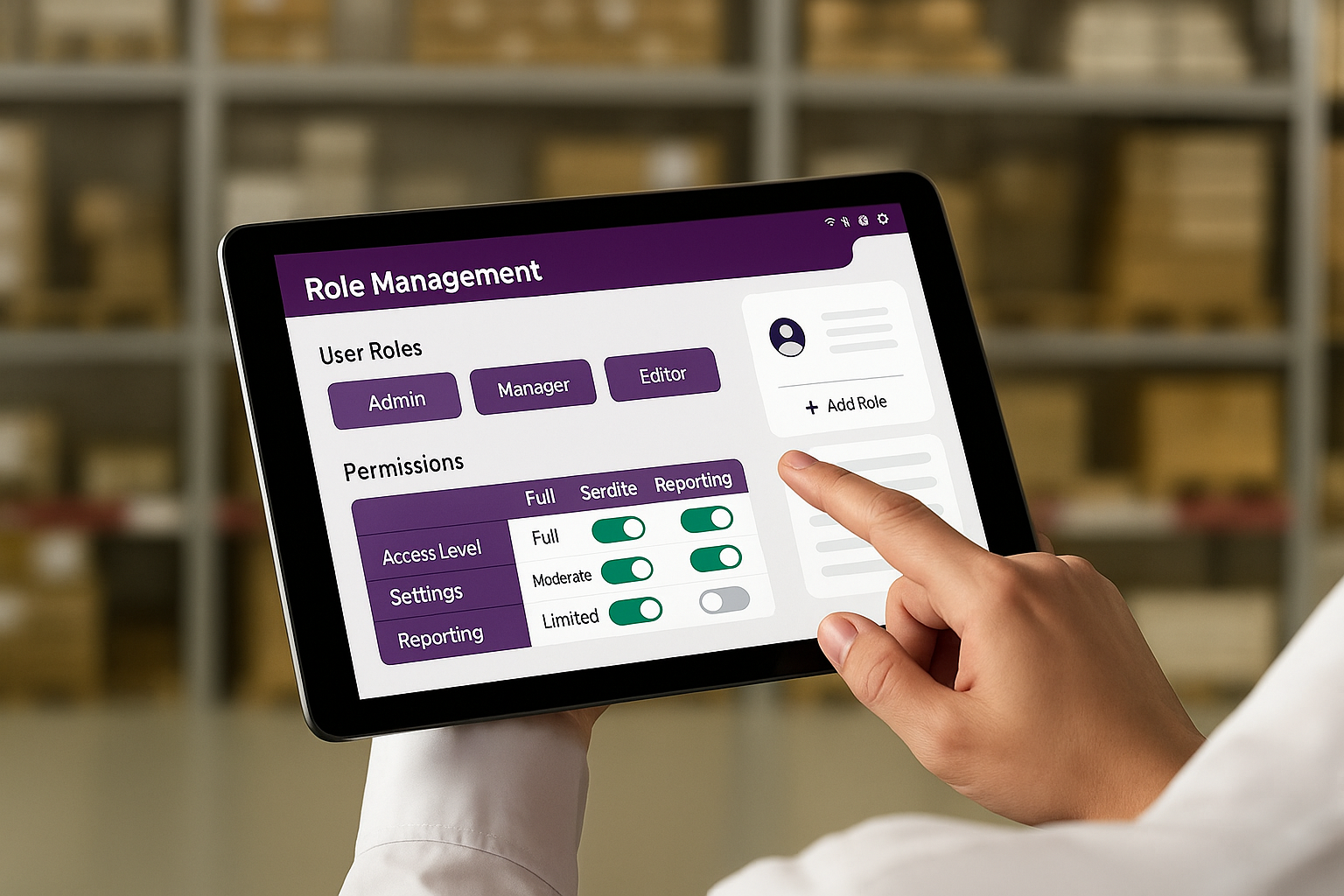
Role Management
Define and assign roles with specific responsibilities to structure access and actions across your organization.
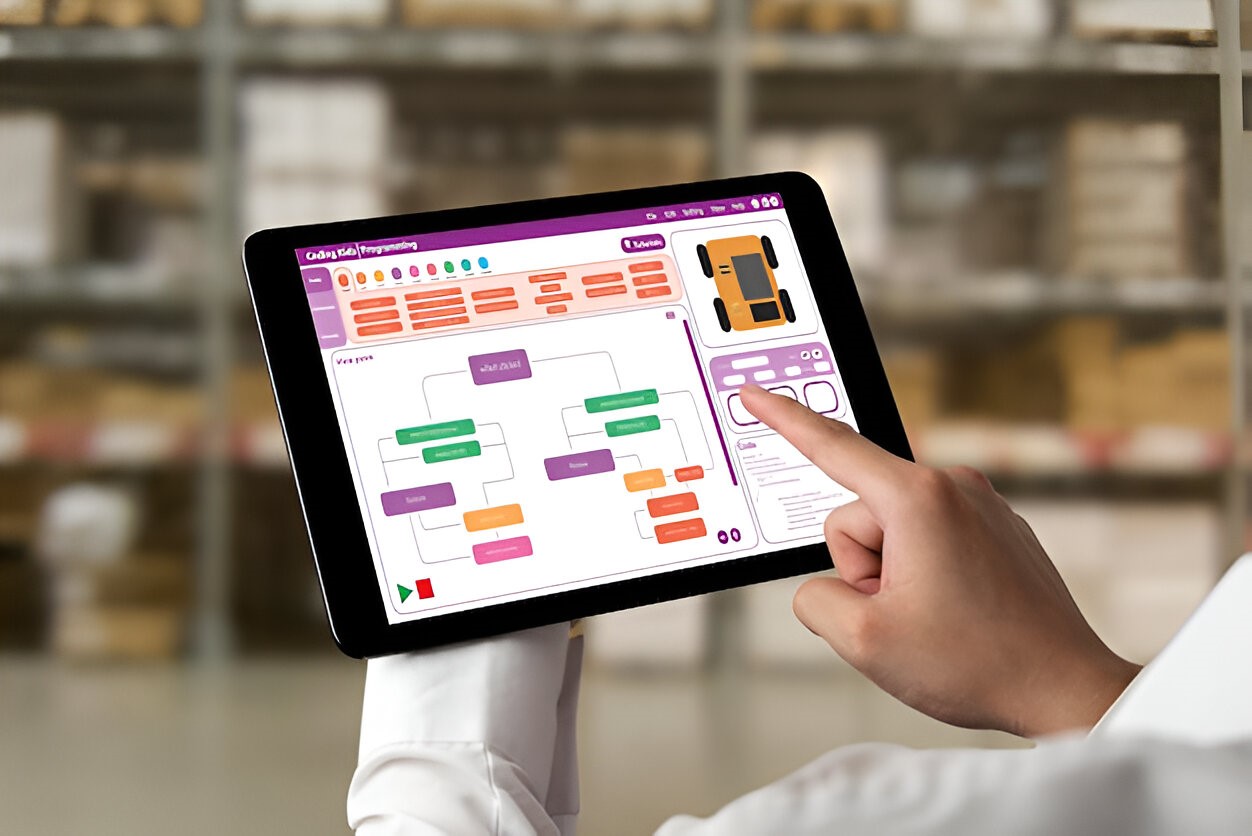
Permission Settings
Granular permission controls to define what each role can view, create, edit, or delete within the system.
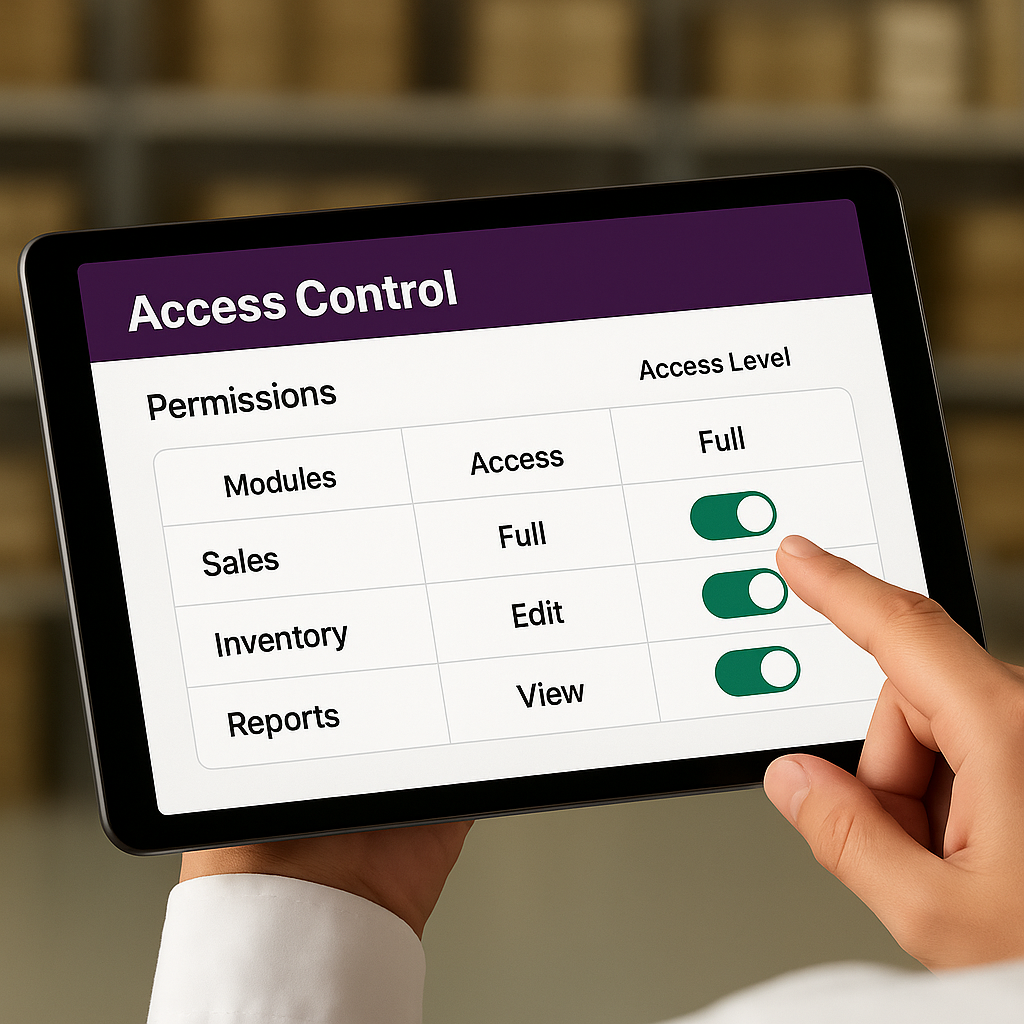
Access Control
Secure your application with robust access rules, audit trails, and role-based authentication mechanisms.
Explore Key Features
Easily add, update, or remove users while managing their profile details and activity status from a centralized dashboard.